Machina
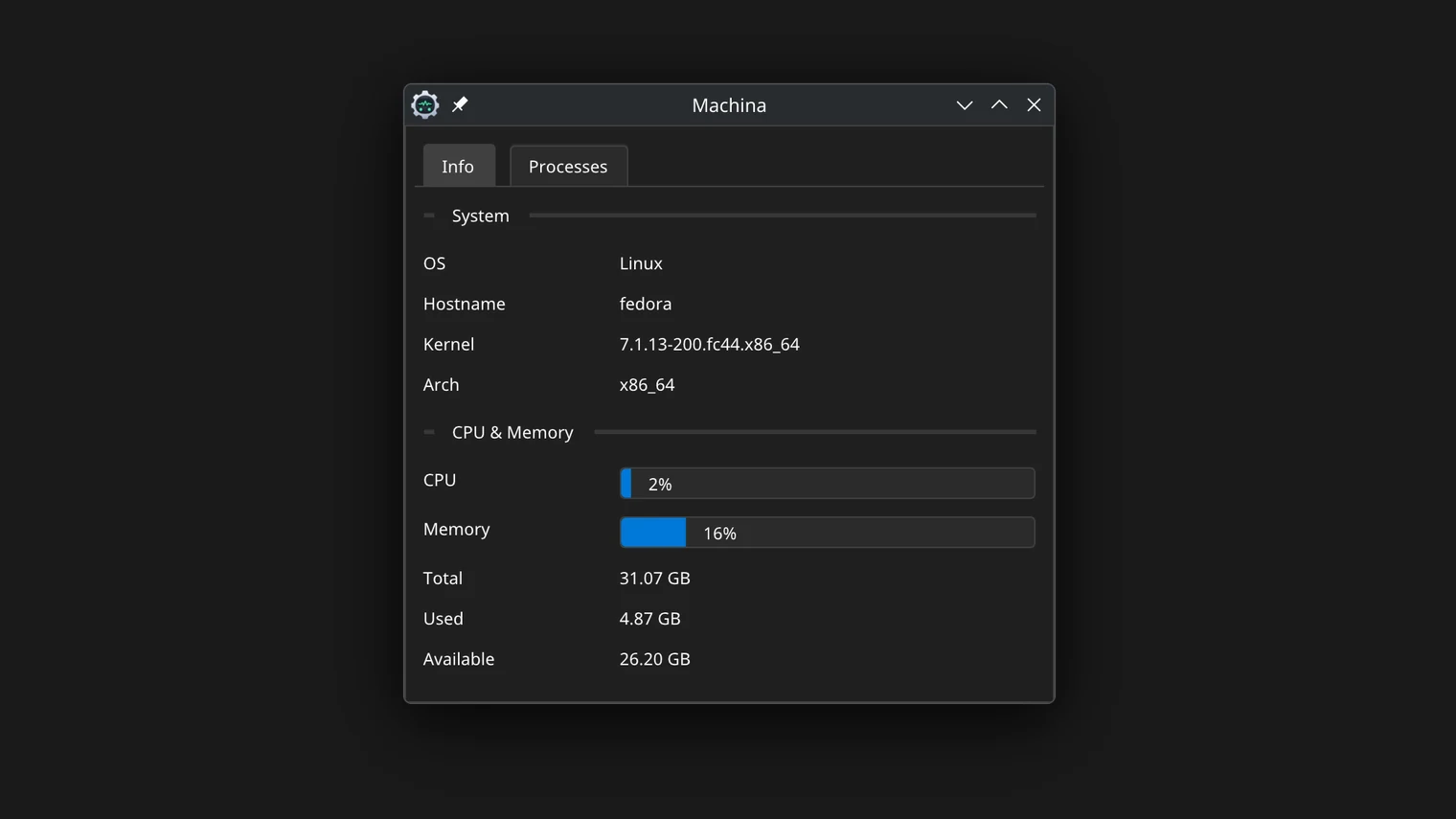
Native Linux system information and process viewer.
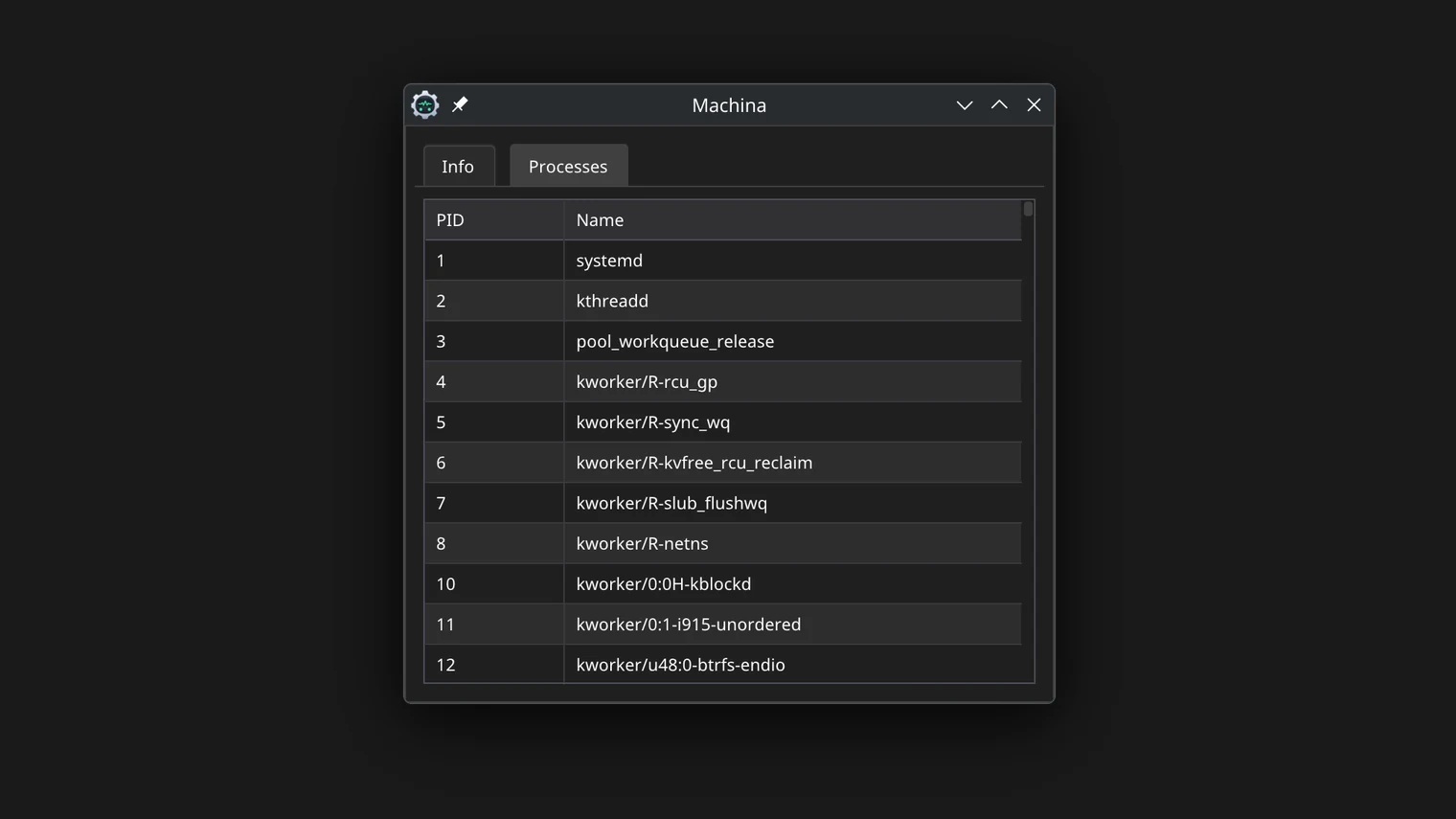
I built Machina while learning Linux system programming and wanted to turn that learning into a real desktop application. Instead of hiding behind high-level system APIs, Machina reads information from Linux interfaces such as /proc and uname and turns process, CPU and memory data into a native desktop application.
Why I Built It
I wanted to understand how Linux actually exposes what is happening on a running machine. Tools like top and htop feel magical until you realize everything they show comes from ordinary files under /proc.
Rather than writing a toy CLI, I deliberately chose a desktop application. Building a real windowed product forced me to deal with rendering, update loops, packaging, desktop integration and the messy details that separate a demo from software people can install and use.
What I Wanted to Learn
The /proc virtual filesystem and what each file reveals about the kernel's view of the system.
Immediate-mode GUI architecture: an interface redrawn every frame straight from live data, with no retained widget tree.
C++23 in practice: modules-adjacent project structure, std::format, ranges and modern CMake packaging.
Shipping native Linux software: statically linked binaries, desktop entries, icons and an install script that behaves correctly on both X11 and Wayland.
Technical Overview
Machina is a self-contained C++23 desktop application. There is no framework holding it together - the UI is immediate-mode, drawn with Dear ImGui over an OpenGL backend, and every frame is rendered from a snapshot of the current system state.
System data is gathered by reading kernel interfaces directly. Process lists, CPU times, memory statistics and OS identity come from parsing /proc entries and calling uname, with careful handling of fields that change between kernel versions.
The application keeps a rolling sample of CPU counters so it can compute load as a delta between polls instead of showing raw cumulative numbers. Process metrics follow the same pattern: read, diff, display.
Interesting Engineering Decisions
Parsing /proc manually instead of depending on a library. The format is stable, documented in proc(5), and writing the parsers by hand taught me far more than calling a wrapper would have.
Statically linking the release binaries so a single tarball works across distributions without runtime dependency surprises.
Setting both the X11 WM_CLASS and the Wayland app_id so the installed desktop entry, taskbar icon and alt-tab behavior work identically on both display servers.
An install.sh script that supports user installs (~/.local), system-wide installs (/usr/local) and custom prefixes, refreshing desktop and icon caches afterwards.
Challenges & Trade-offs
Kernel interfaces are not APIs. Files under /proc are readable by humans but vary subtly across versions and configurations, so every parser has to be defensive about missing or unexpected fields.
Immediate-mode rendering is simple to reason about but redraws constantly. Keeping the idle cost acceptable meant being deliberate about how much work happens per frame and how often counters are sampled.
Packaging turned out to be half the project. Producing a checksummed release tarball with icons, desktop entry and install script took as much care as the application code itself.
What I Learned
How much of Linux system state is visible through plain text files, and how to read the kernel's documentation to interpret them.
The anatomy of a desktop application without a UI framework: event loop, rendering backend, state snapshot, frame.
The practical differences between X11 and Wayland from an application's point of view, and why desktop integration is a feature you have to build, not something you get for free.
How to package and ship native Linux software in a way that survives contact with different distributions.